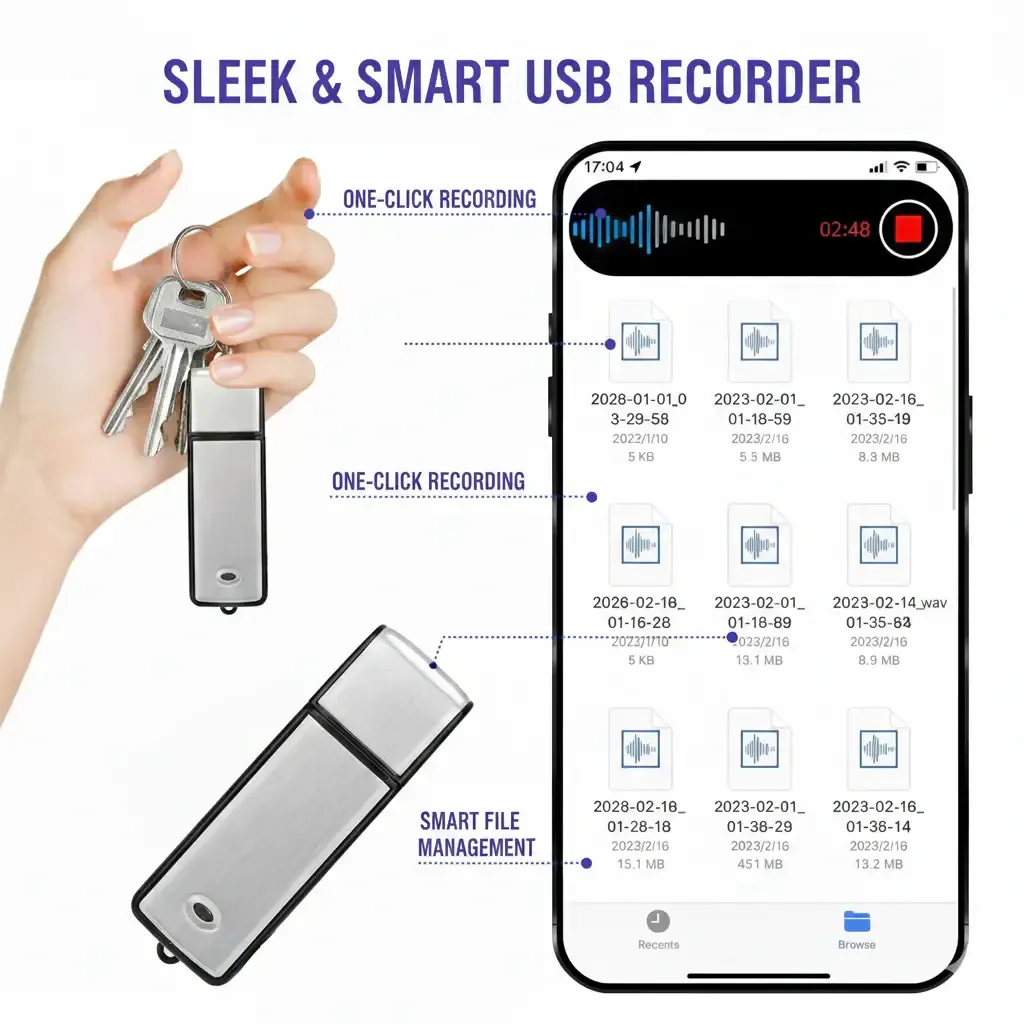
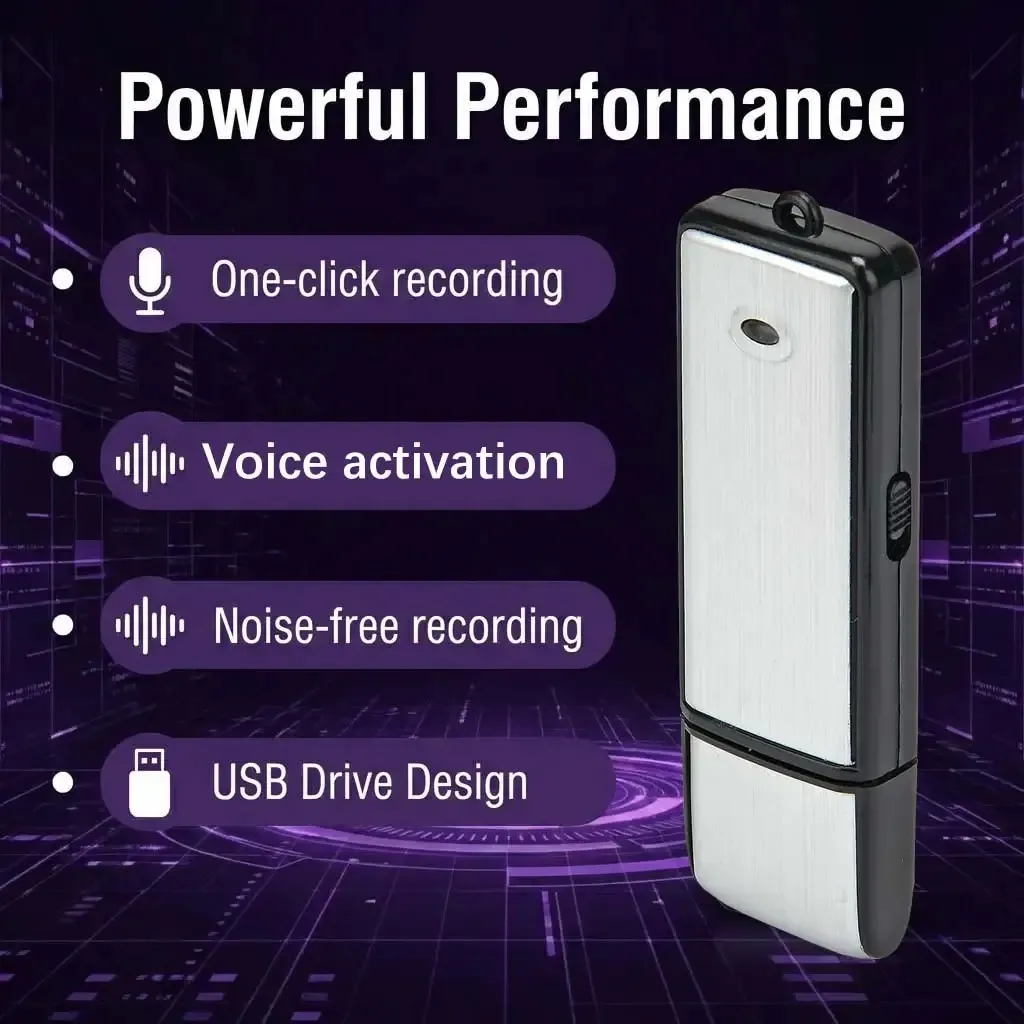
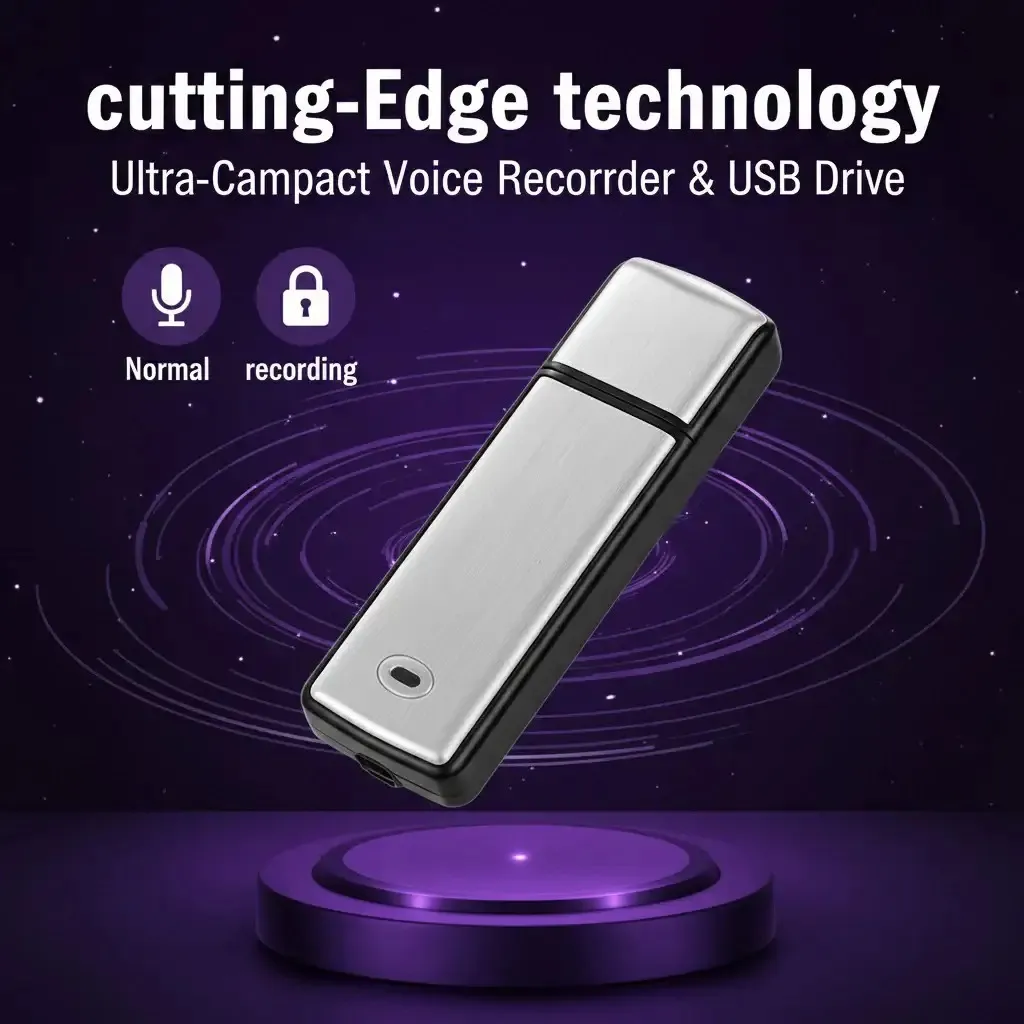
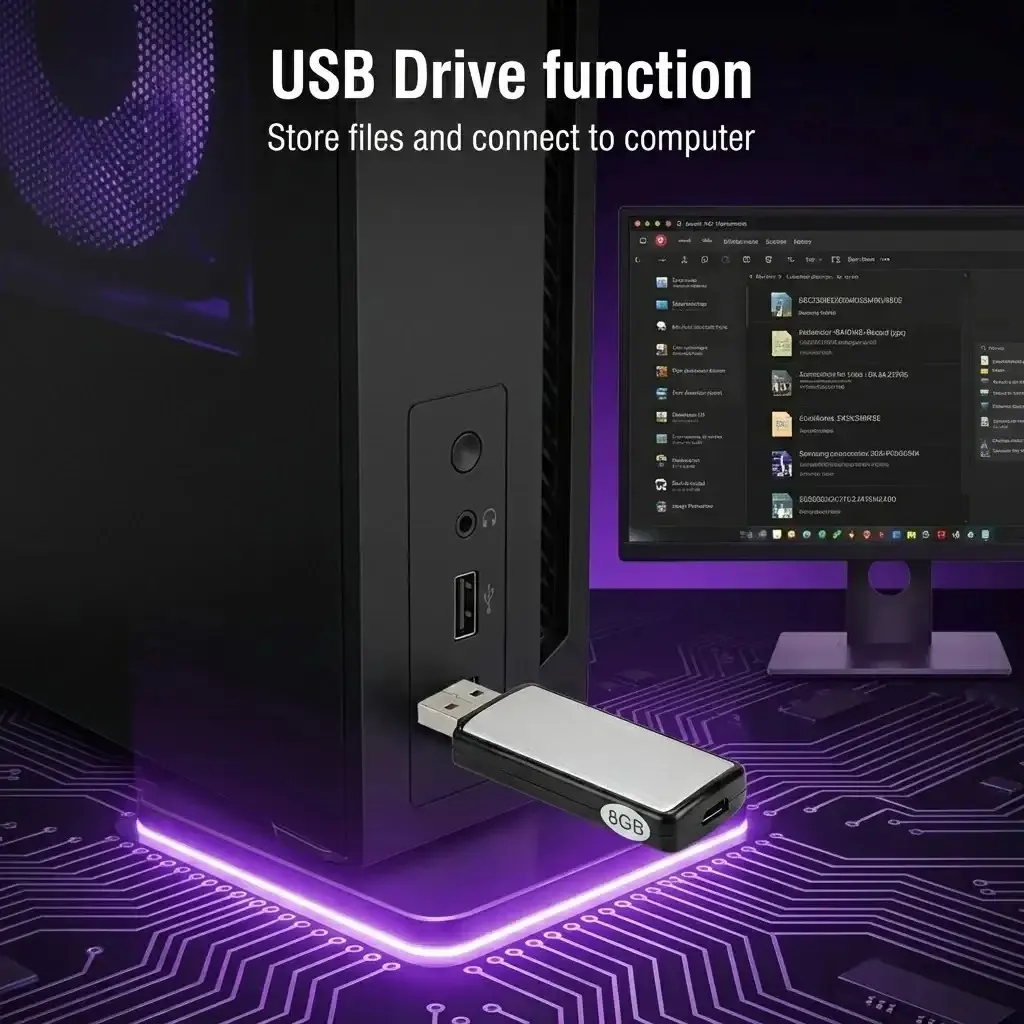
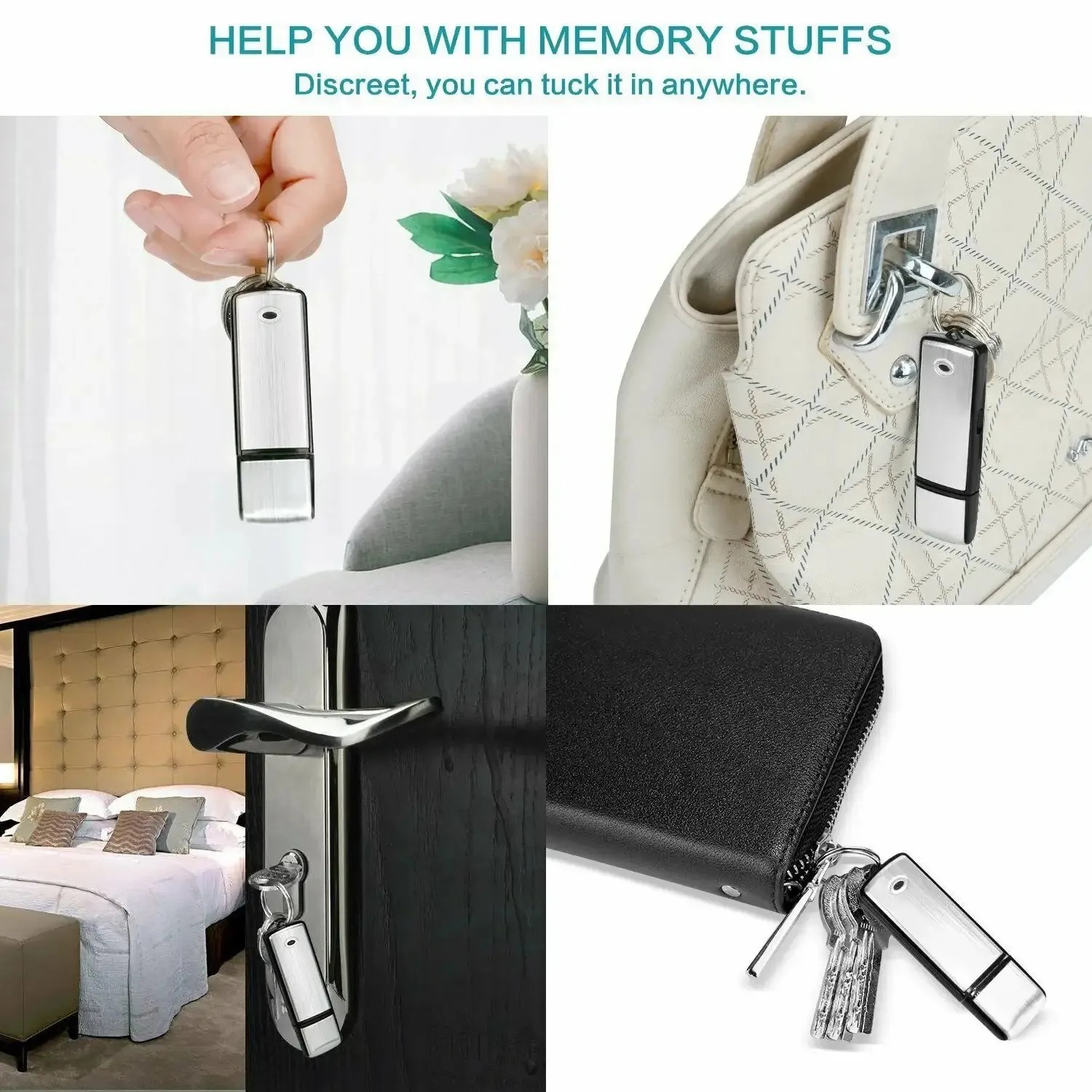
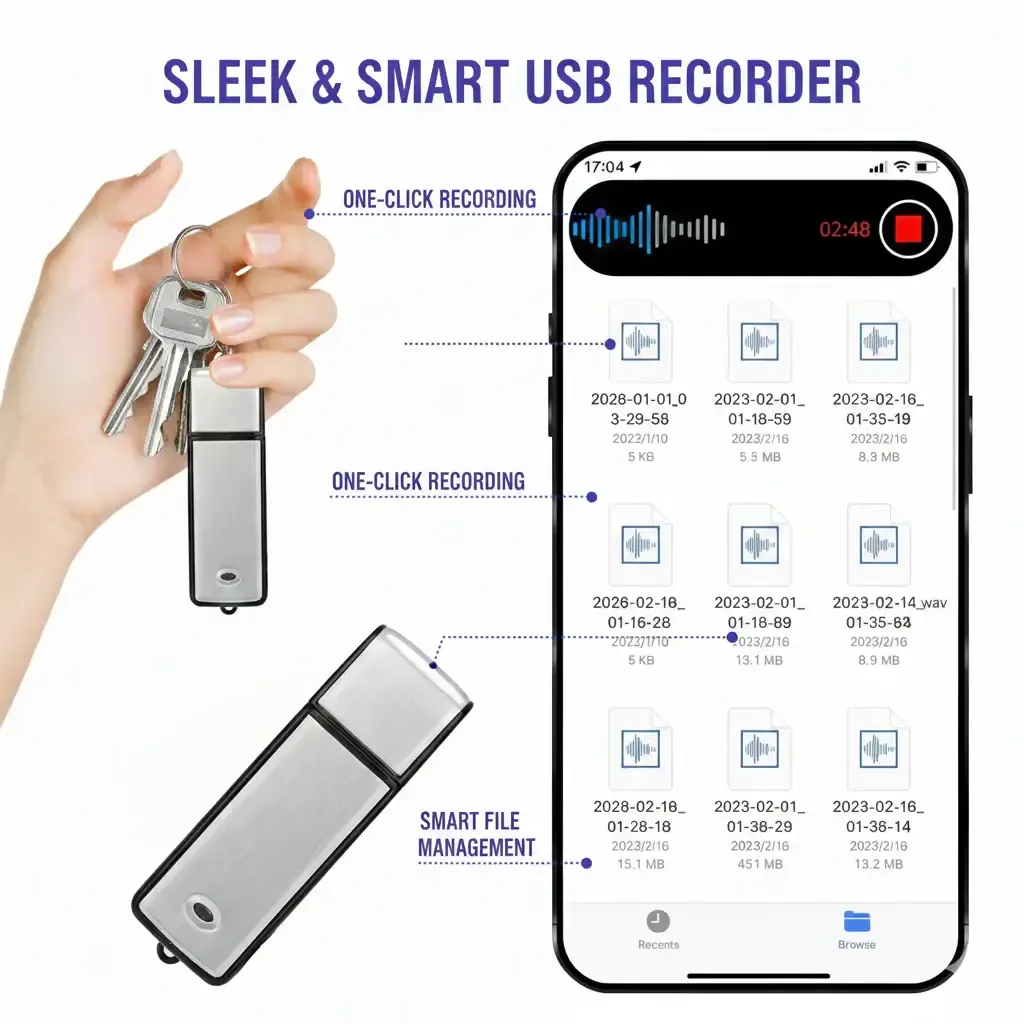
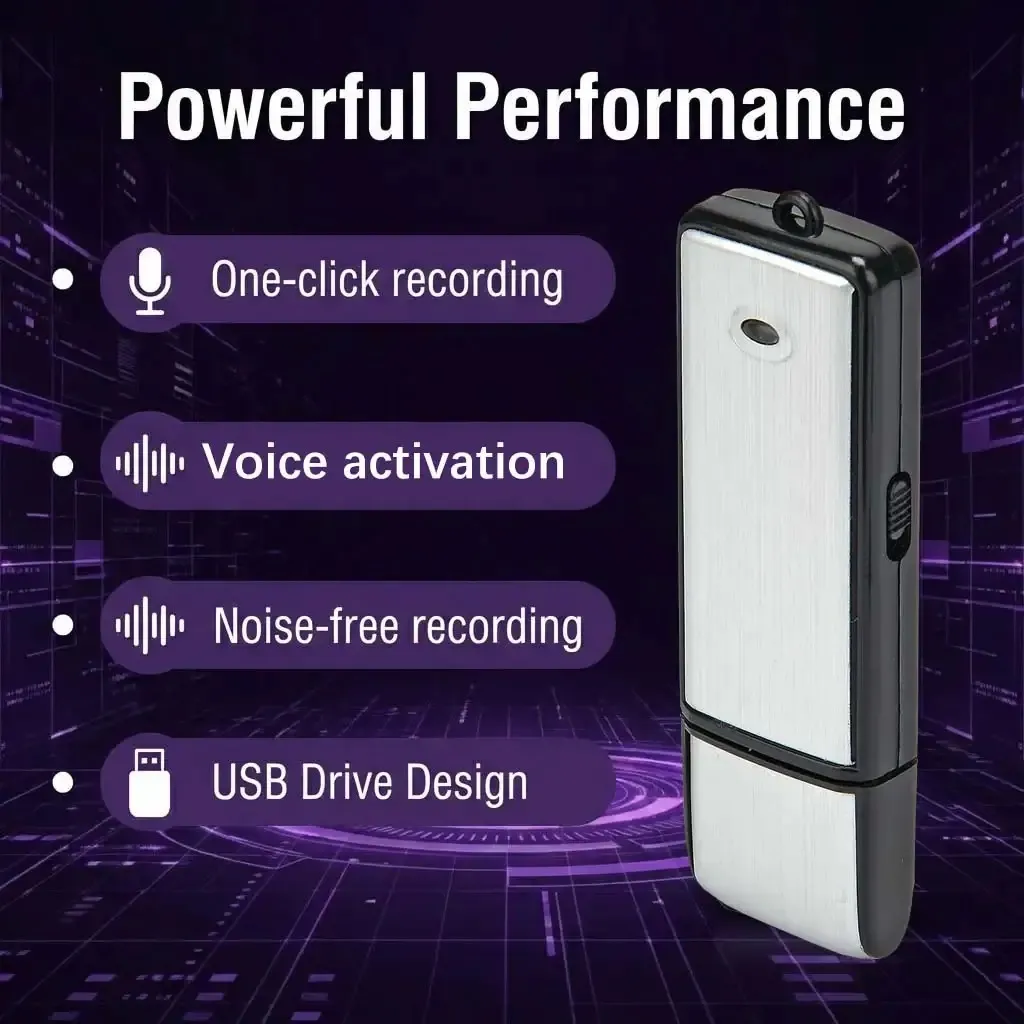
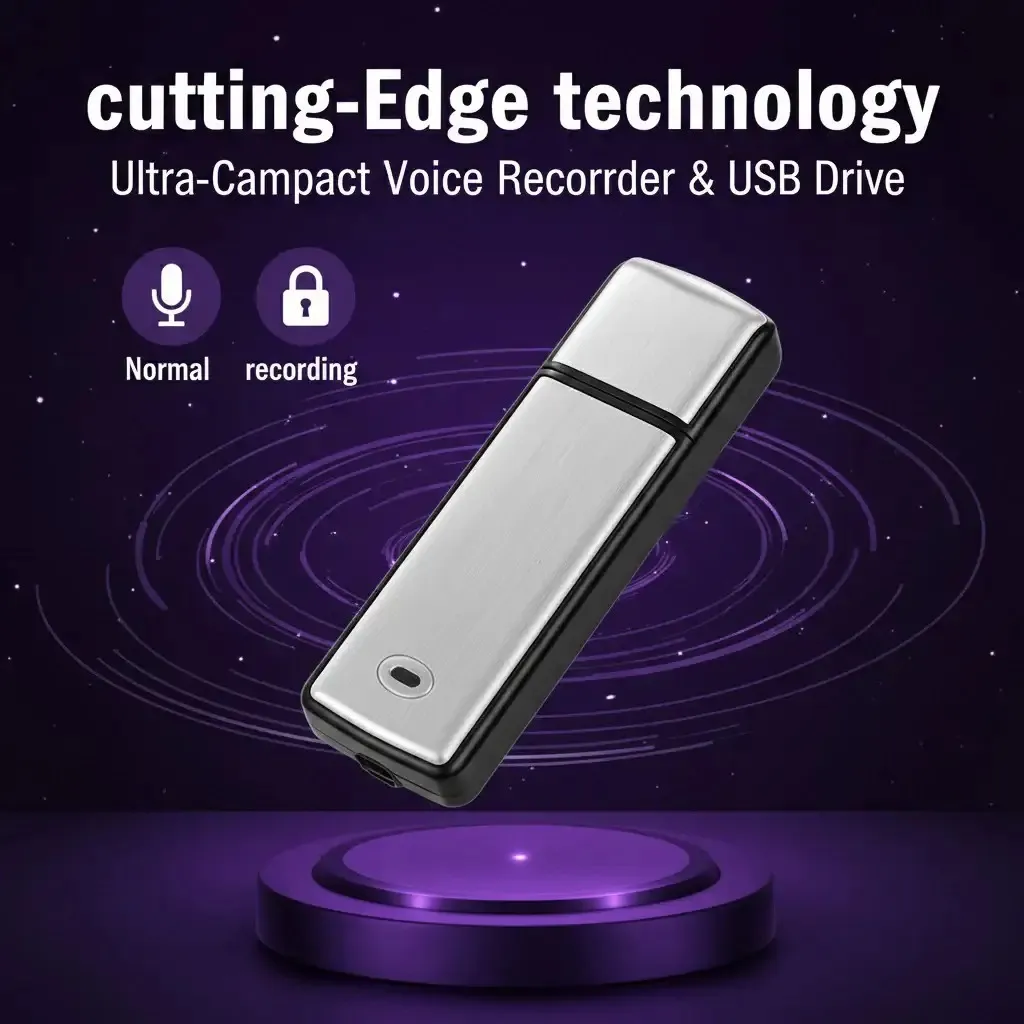
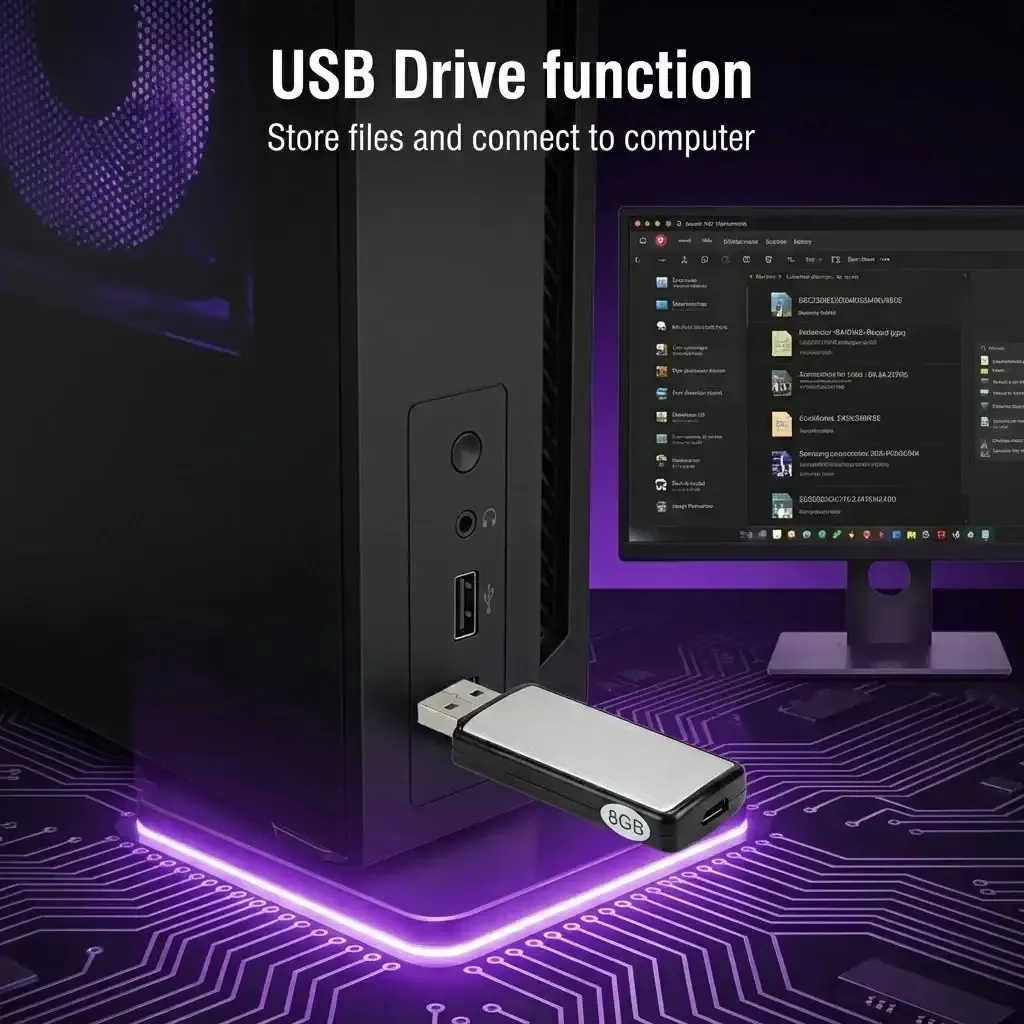
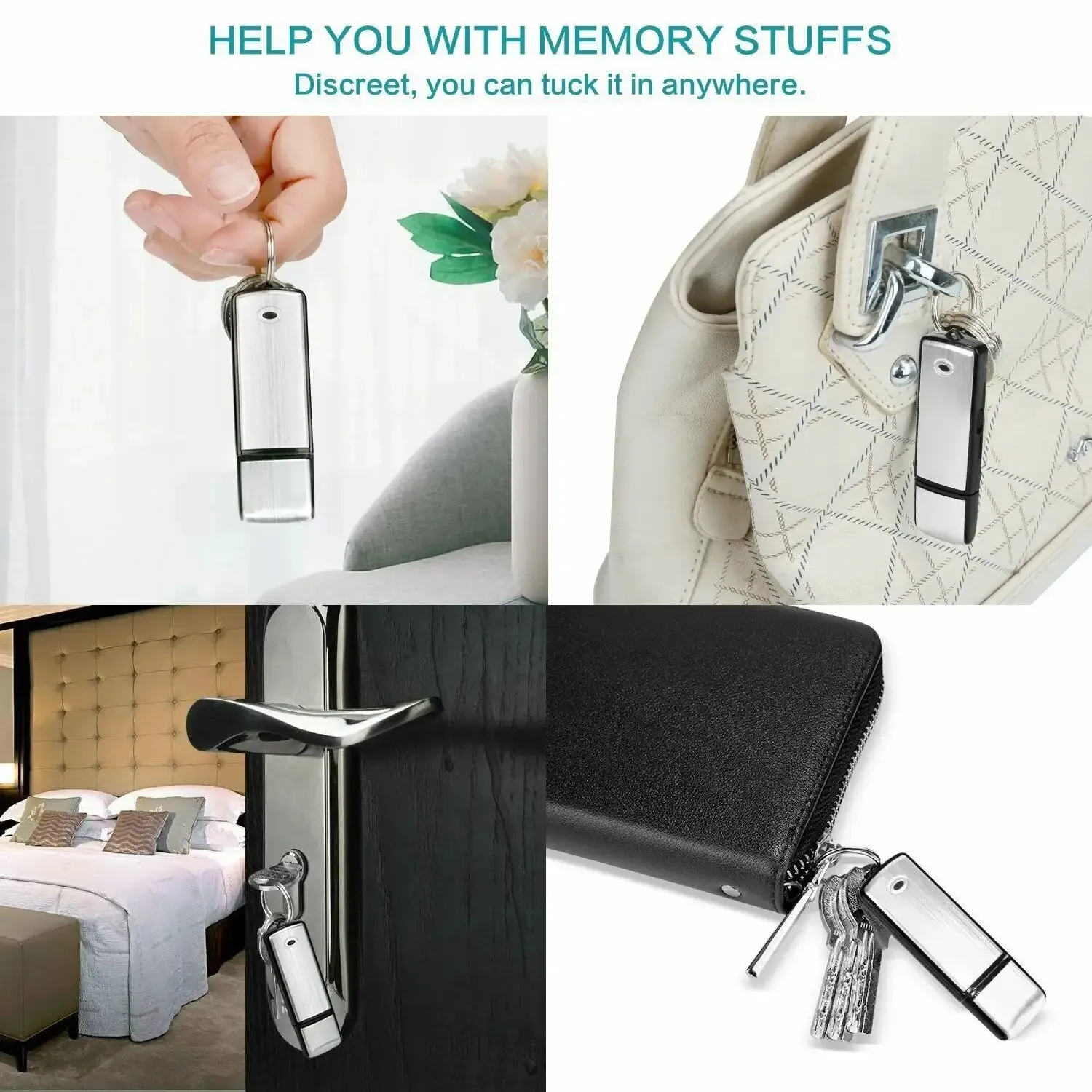
This is a digital USB voice recorder featuring 32 GB of storage and a 15-hour battery life. Its key advantages are high-fidelity PCM recording, triple noise reduction, and simple one-switch operation. It is ideal for meetings, interviews, presentations, lectures, and personal notes. There are no complicated settings—simply flip the switch to record and flip it back to save. Recording has never been easier.
32 GB storage capacity
Enough space for thousands of songs – and all the important recordings you’ll ever make.
💾 Built-in 32 GB storage – holds approx. 10,000 songs or a huge number of recordings
💻 Compatible with Windows and Mac – USB cable included for easy file transfer
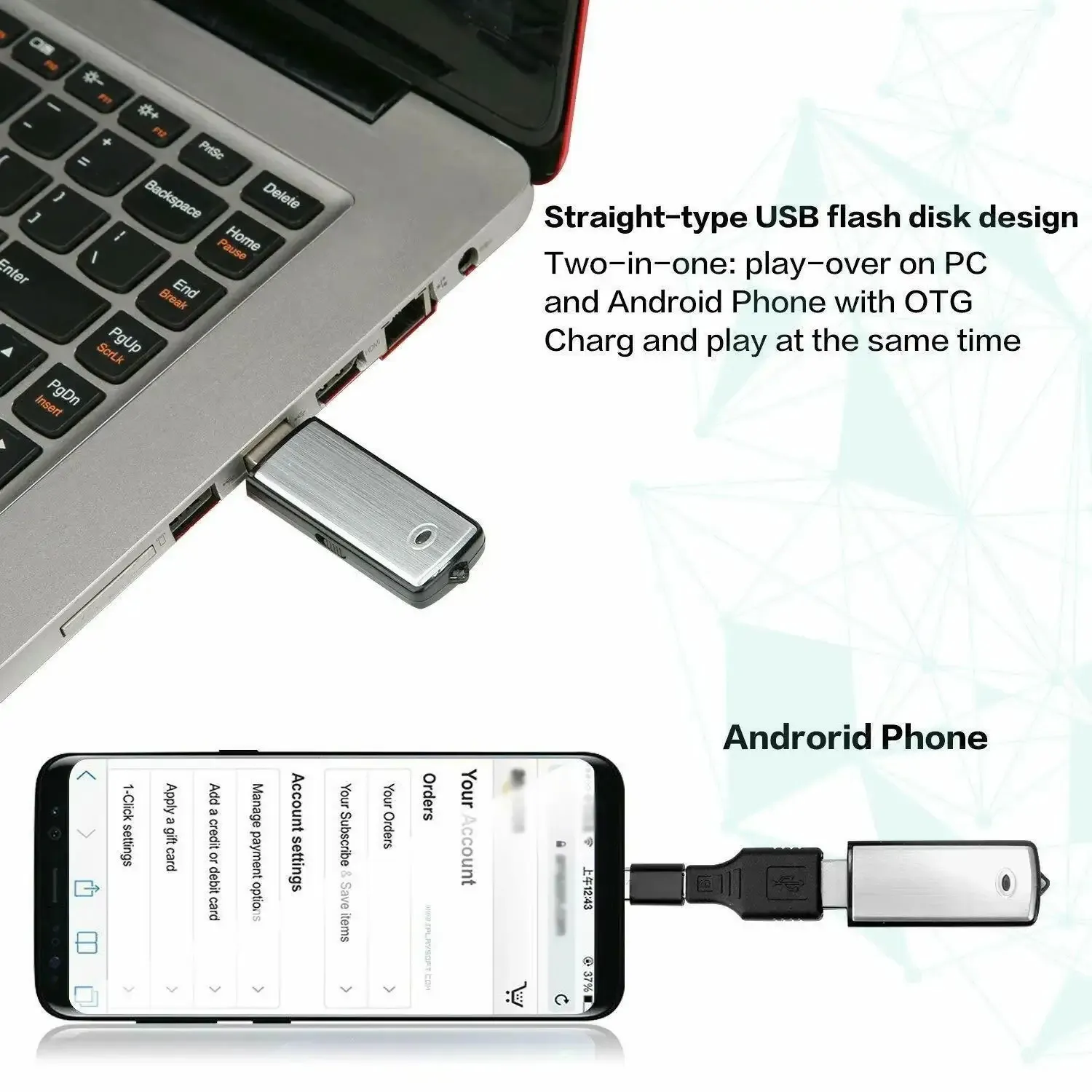
15-Hour Battery Life
One full charge – a full day of recording.
🔋 Up to 15 hours of recording time per full charge
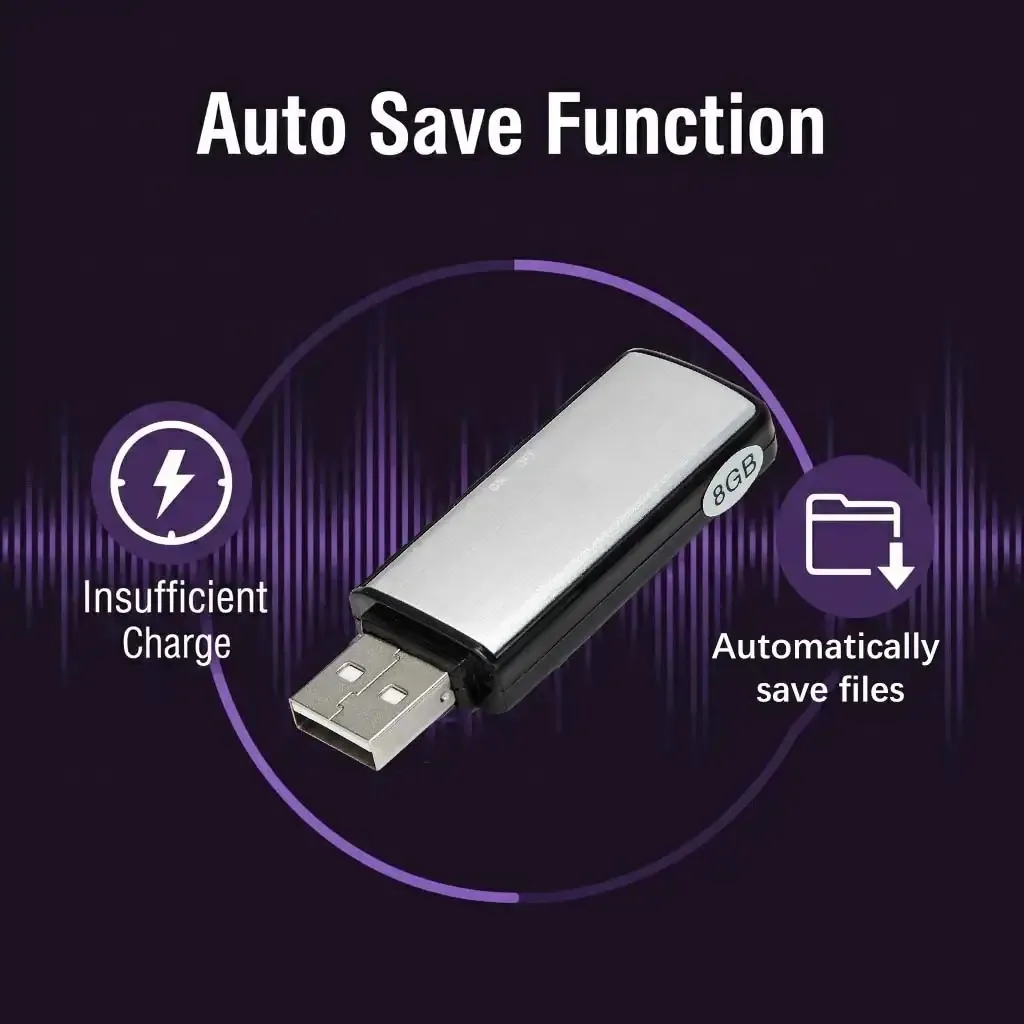
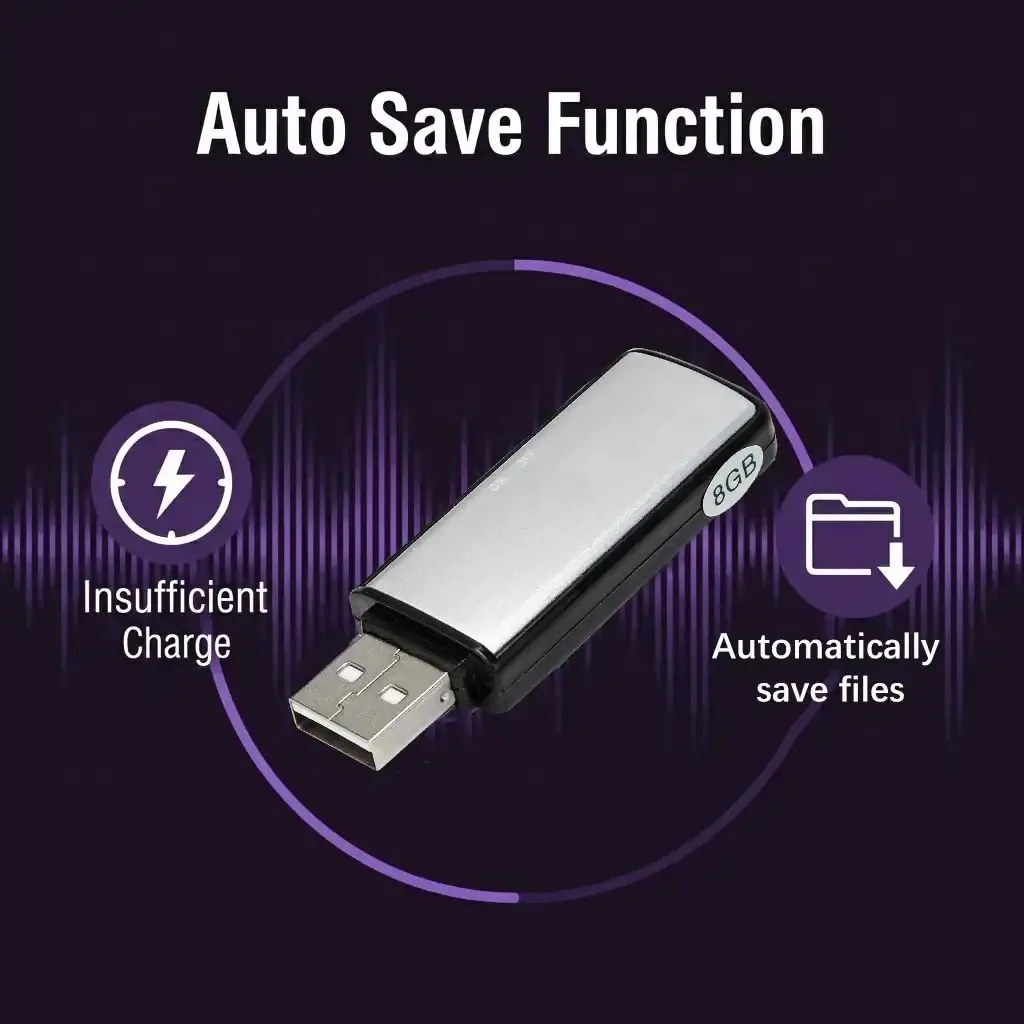
💾 Automatic file saving before the battery runs out – no data loss
⚡ Plugs directly into any charger – fully charged in just 2 hours
Professional recording quality
PCM digital recording + triple noise reduction – so clear, it’s as if the speakers were standing right next to you.
🎙️ Dynamic noise-canceling microphone – captures crystal-clear audio at 512 kbps
🔇 PCM digital technology + triple noise reduction
🎤 Perfect for meetings, interviews, speeches, and lectures – clear voices, clean background
Simple Operation
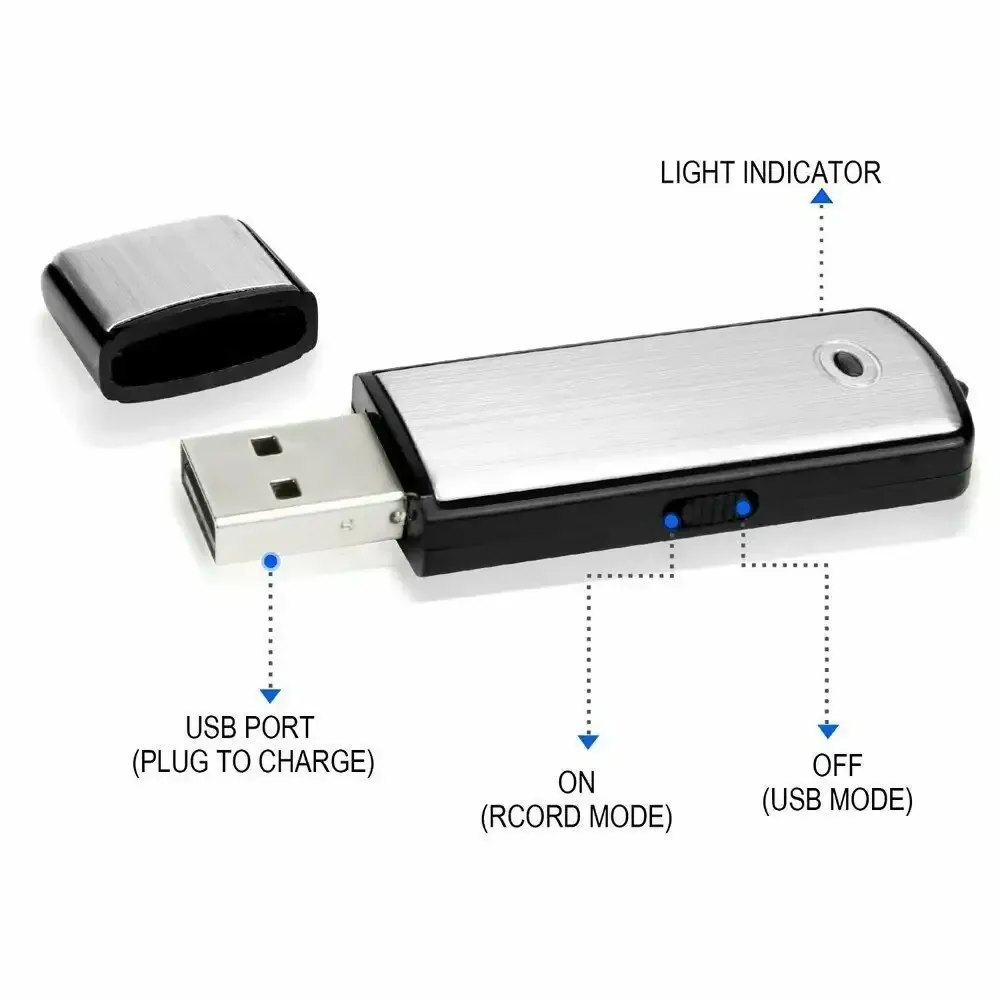
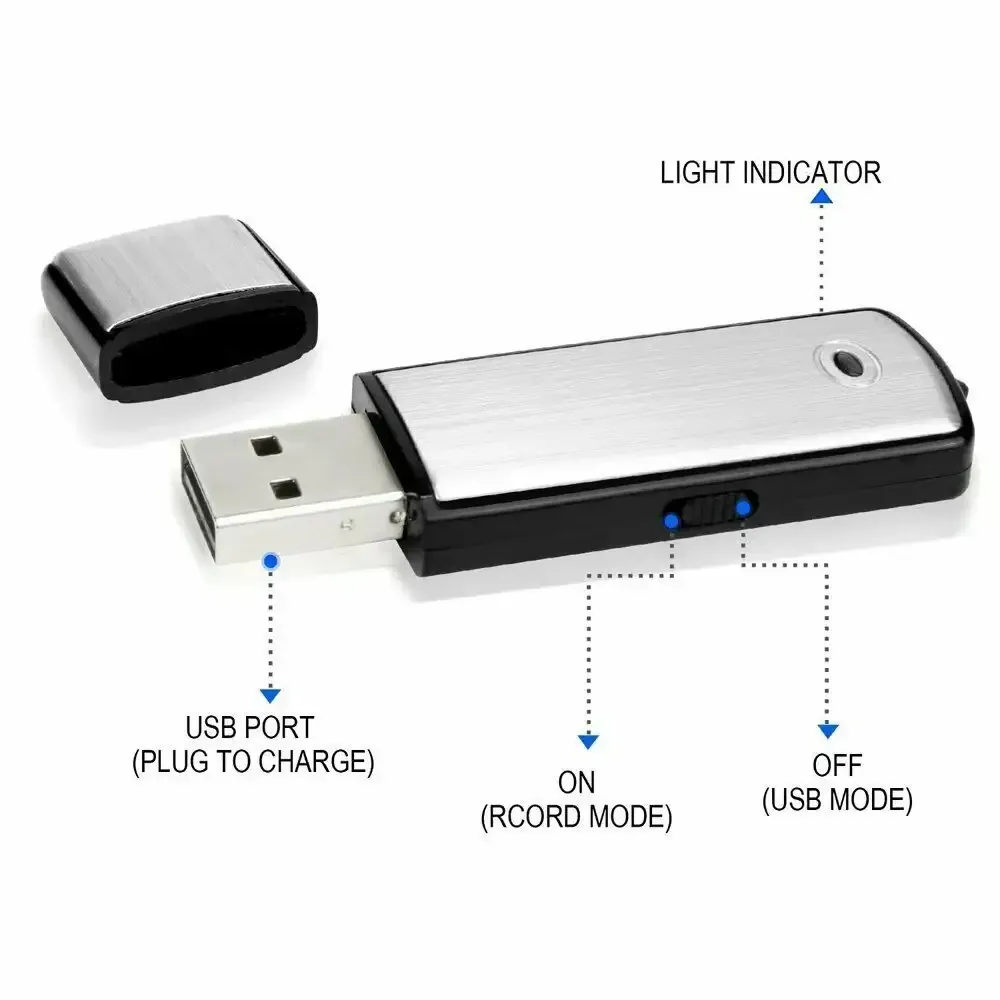
Flip once to record. Flip once to save. Done.
🔘 Hold the switch at "ON/Rec" for approx. 5 seconds → recording starts
💾 Switch to "OFF/Save" → recording is saved automatically
🚫 No flashing LED during recording – completely inconspicuous and discreet
✅ Device status is visible directly on the switch – no guesswork needed
Box Contents & Smart Design
Ready to use right away – files are organized from day one.
📦 Box contents: 1 × Digital voice recorder
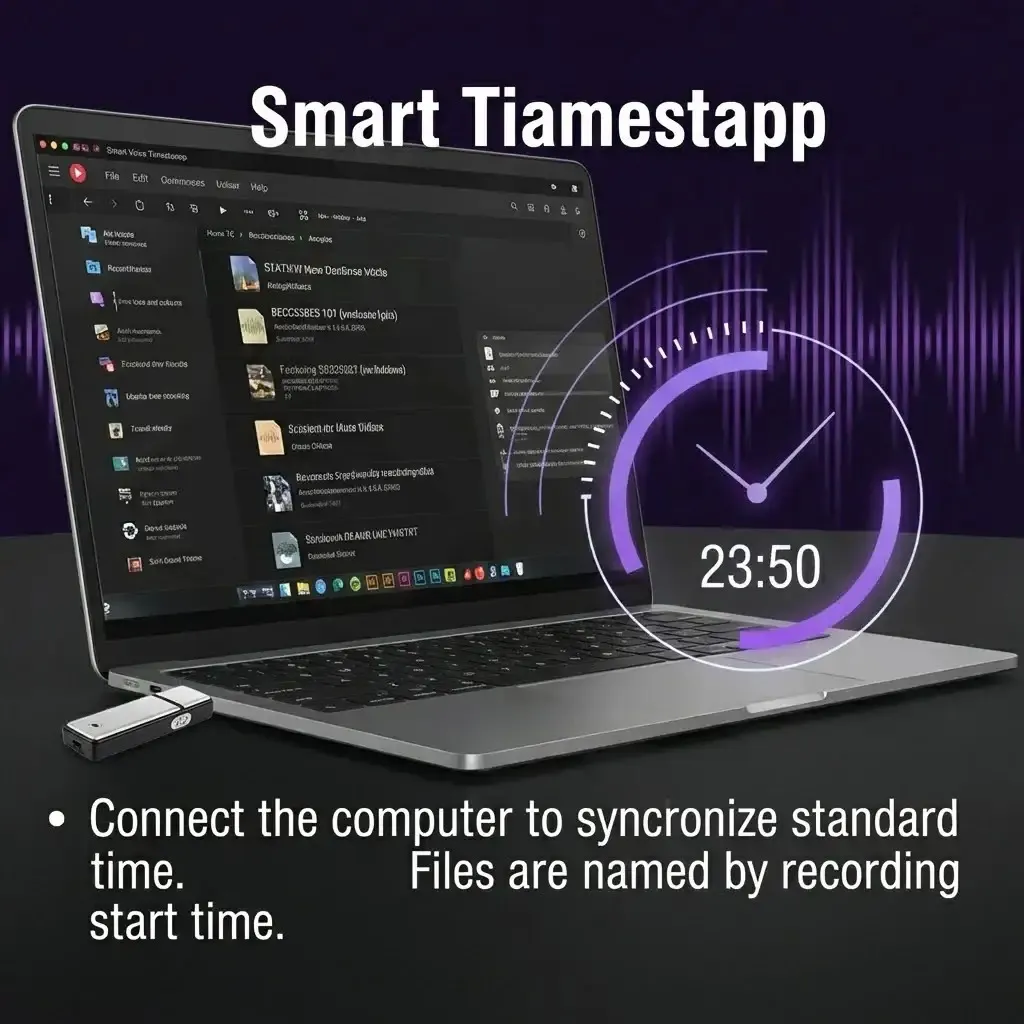
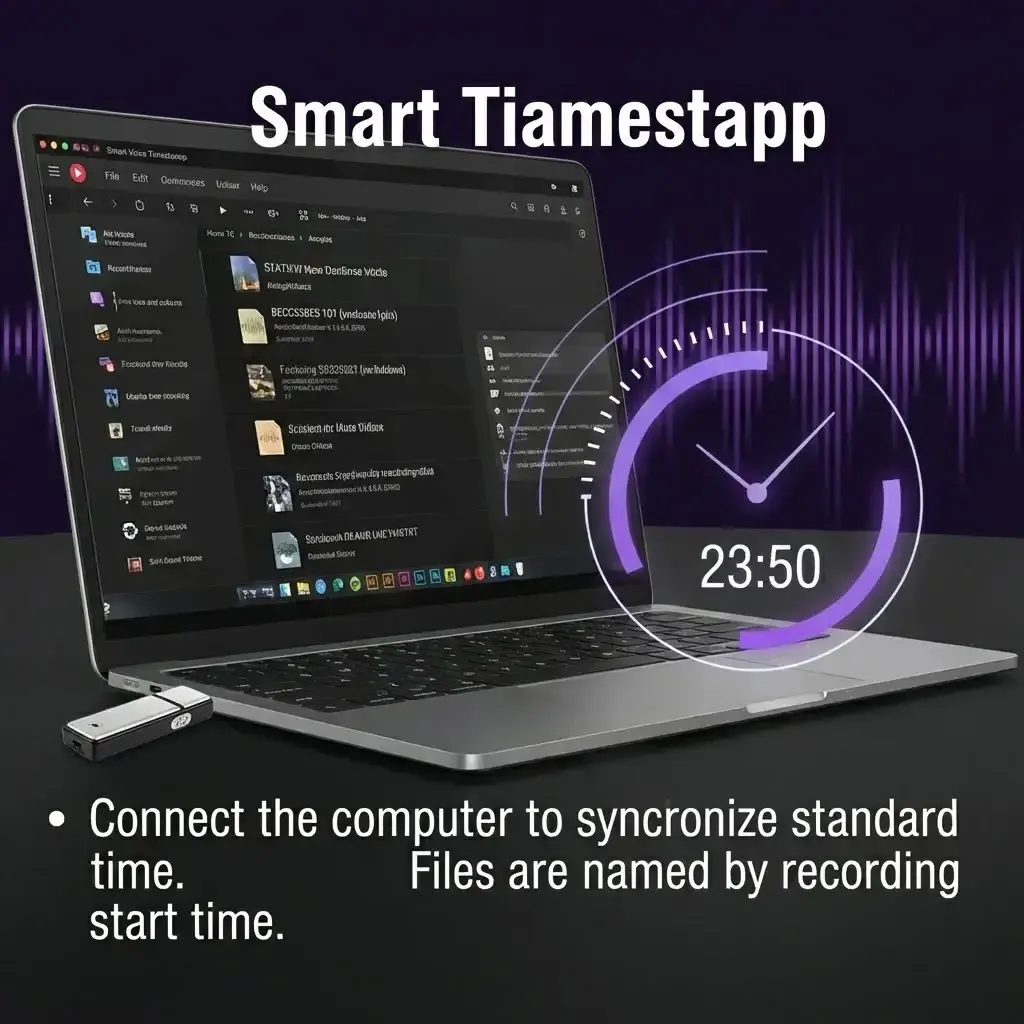
🔍 Easily locate specific files – no more searching through unidentified recordings
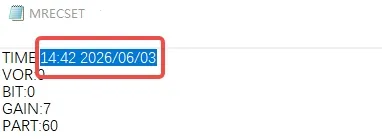
🏷 Recorded files are automatically named with a timestamp – so you know exactly when each recording took place.
loading